
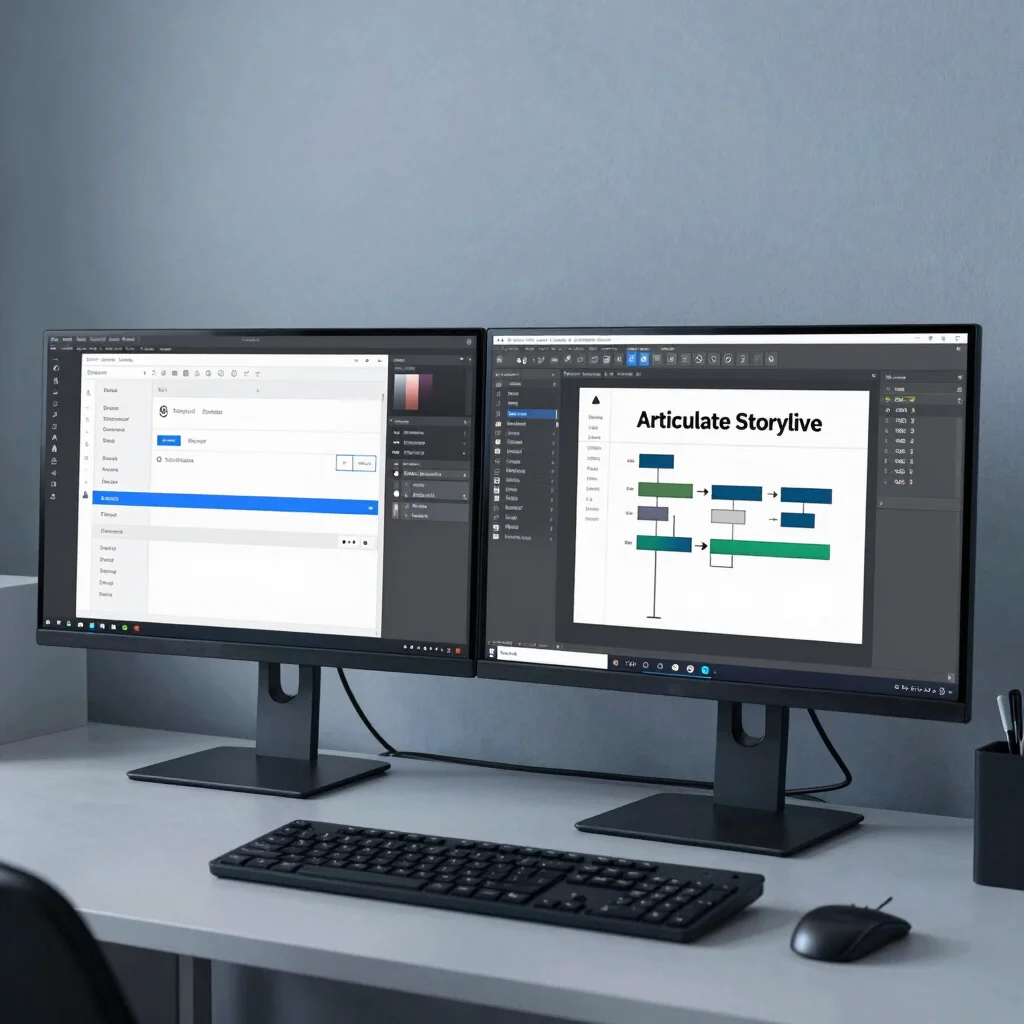
Most e-learning designers spend half their production cycle recreating static mockups inside authoring tools. When your Figma component library mirrors Articulate Storyline slide master structures, layout handoff becomes a streamlined assembly process rather than a pixel-pushing exercise.
Aligning Figma Auto Layout with Storyline Masters
Storyline handles spatial positioning differently than web design tools, but establishing an 8pt grid system in Figma prevents unexpected scaling issues during export. By defining strict layout frames for narrative screens, knowledge checks, and interactive branching paths, you ensure that every asset maintains exact pixel dimensions when imported into your authoring canvas.
Eliminating Manual State Building in Slide Masters
Custom hover, selected, and disabled states often get corrupted or inconsistent when built ad-hoc on the slide timeline. Designing state matrices directly in your Figma master components allows you to export pre-aligned asset packages, cutting slide setup time by more than forty percent across complex modules.
Standardizing Typography Across Variable Resolution Displays
Scalable course typography requires systematic hierarchy rules to remain readable across desktop browsers and mobile LMS apps. Utilizing standardized font tokens in your layout framework guarantees WCAG-compliant contrast ratios while preserving clean visual geometry on high-DPI screens.
Leave a Reply