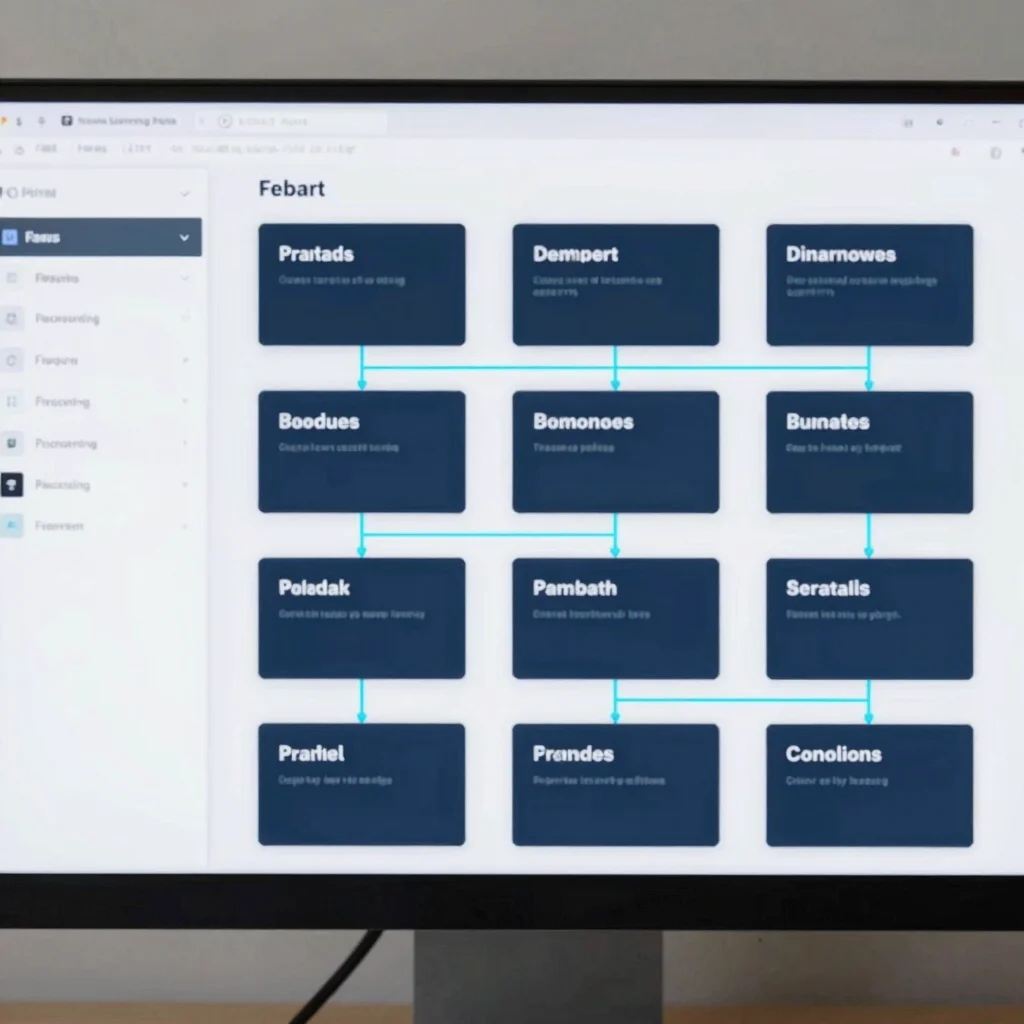
Building interactive branching scenarios directly inside eLearning authoring software often leads to tedious structural edits when stakeholders request content changes. Establishing a dedicated UI layout phase in Figma allows instructional designers to prototype navigation paths, test screen density, and refine visual hierarchies prior to build. This workflow separates instructional strategy from technical development, reducing revision cycles significantly.
Establishing Modular Layout Grids
A structured 8pt spatial grid provides a consistent foundation for interactive cards, callout containers, and assessment blocks. Setting standardized padding and margin rules in Figma ensures that visual proportions remain balanced when content scales across desktop and tablet viewports. These predefined spatial rules translate directly into custom block parameters when assembling Rise 360 or custom Storyline components.
Mapping Interactive Branching Logic
Complex decision-tree scenarios require clear visual connectors to map user choices to specific feedback screens. Using component variants in Figma allows designers to simulate hover states, incorrect feedback layers, and path divergence without creating redundant artboards. Stakeholders can walk through interactive prototypes to evaluate pedagogical effectiveness before a single slide trigger is coded.
Streamlining Handoff to Authoring Tools
Once wireframe storyboards earn approval, UI assets and iconography can be exported in standardized SVG and PNG formats. Documenting design tokens like hex codes and typography scales prevents visual drift during final authoring. Developers can drag structured layout assets directly into authoring blocks, ensuring high fidelity between the approved storyboard and the final LMS module.
Leave a Reply