Creating accessible digital learning modules in Articulate Storyline 360 requires a deliberate approach to screen reader navigation and visual hierarchy. While authoring tools provide baseline accessibility features, complex interactions often break standard tab sequences if left unconfigured. Achieving full WCAG 2.1 AA compliance means treating focus order, custom visual states, and alternative text as core structural components rather than final review steps.
Mapping Focus Order for Screen Readers
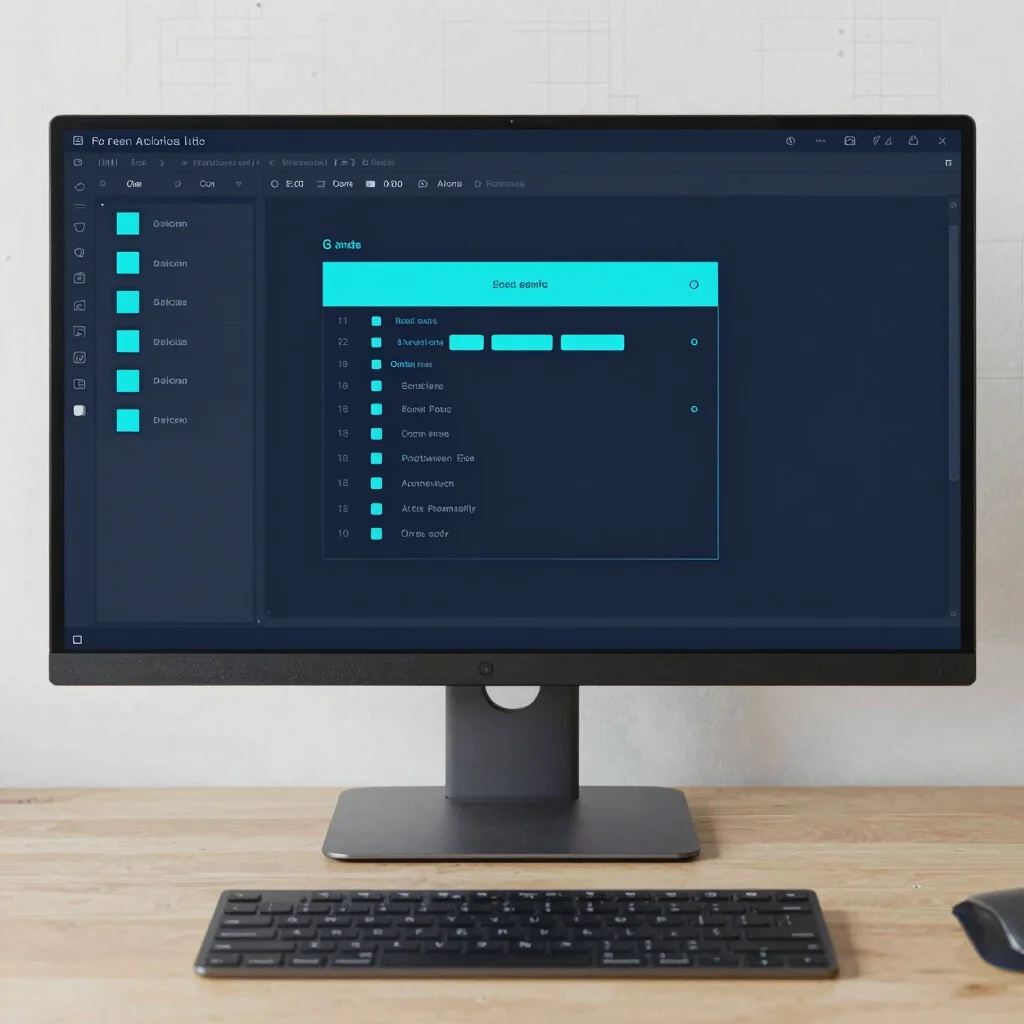
The default tab order in Storyline follows the visual layer stack, which rarely matches the logical reading path of an instructional slide. Opening the focus order window allows developers to explicitly define how assistive technologies read header text, body copy, and interactive buttons. Hiding decorative vector graphics and background shapes from screen readers prevents unnecessary audio clutter and keeps the learner focused on critical content.
Designing Accessible Custom Button States
Custom interaction states must clearly communicate hover, active, and selected conditions without relying solely on subtle color shifts. Text labels and visual indicators should maintain a contrast ratio of at least 4.5:1 against slide backgrounds to support low-vision learners. Incorporating explicit focus rings around interactive elements ensures keyboard-only navigators can track their position across complex scenario layouts.
Testing Beyond Automated Accessibility Audits
Automated accessibility checkers identify basic markup errors but miss contextual navigation flaws. Running manual tests with screen readers like NVDA or JAWS reveals whether custom slide triggers properly announce updated content layer states. Keyboard-only navigation passes help verify that modal dialogs trap focus correctly before publishing SCORM packages for LMS deployment.
Leave a Reply